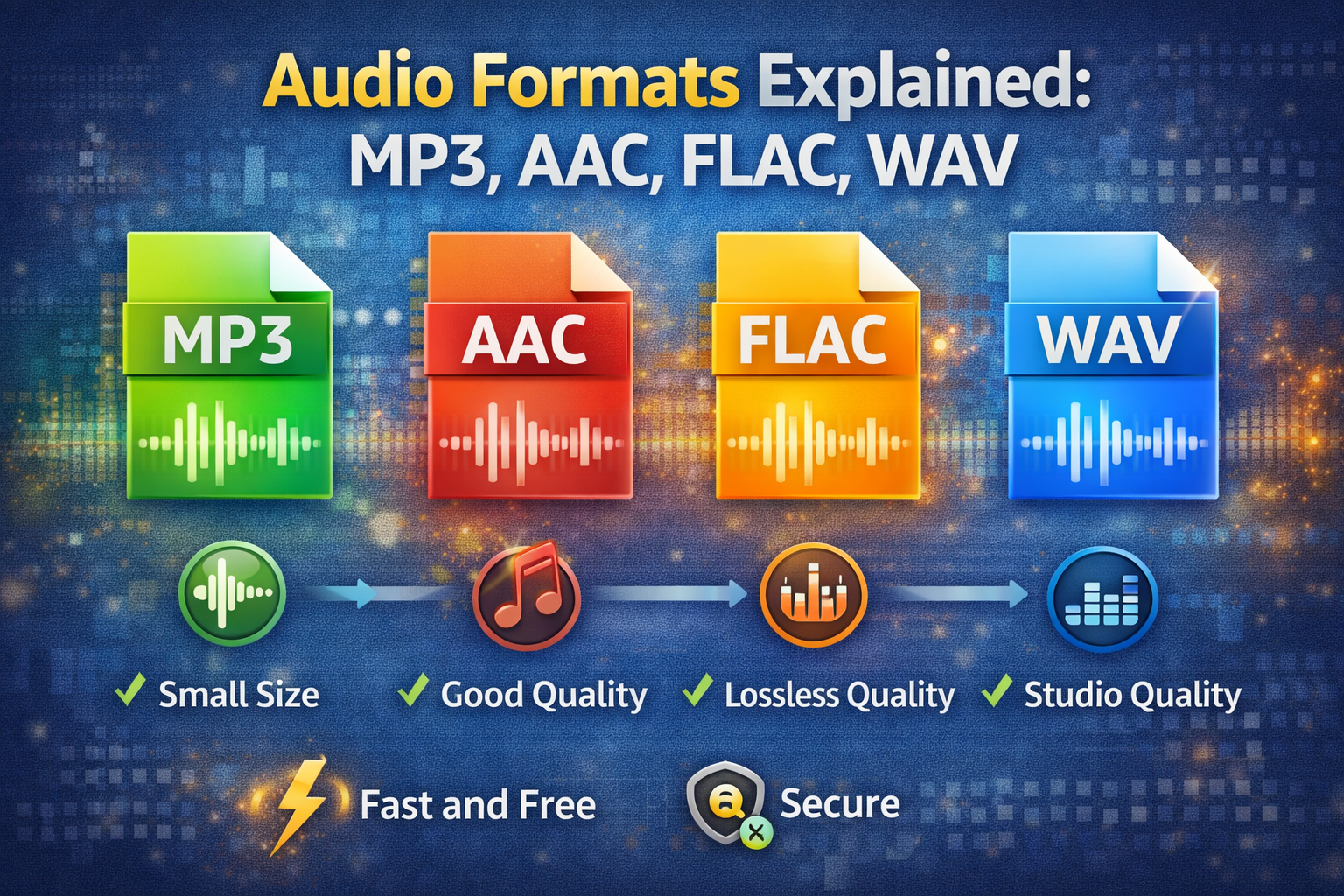
With so many audio formats available, choosing the right one can be confusing. Should you use MP3 or AAC? Is FLAC worth the larger file size? This comprehensive guide explains everything you need to know about audio formats, their quality differences, file sizes, and best use cases.
📑 Table of Contents
Quick Comparison Table
| Format | Quality | File Size (3-min song) | Best For | Compatibility |
|---|---|---|---|---|
| MP3 | Good (Lossy) | 3-5 MB | Everyday listening | ⭐⭐⭐⭐⭐ Universal |
| AAC | Better (Lossy) | 3-5 MB | Apple devices, YouTube | ⭐⭐⭐⭐☆ Very Good |
| FLAC | Perfect (Lossless) | 15-25 MB | Archiving, audiophiles | ⭐⭐⭐☆☆ Good |
| WAV | Perfect (Uncompressed) | 30-50 MB | Professional audio | ⭐⭐⭐⭐☆ Very Good |
1. MP3 (MPEG-1 Audio Layer 3) Most Popular
Released: 1993
Type: Lossy compression
Typical bitrate: 128-320 kbps
File size (3-min song): 3-5 MB
MP3 is the most widely compatible audio format in the world. It works on everything – phones, computers, car stereos, smart speakers, and even old MP3 players. At 128 kbps, it's acceptable for spoken word and podcasts. For music, use 256-320 kbps for good quality that most people can't distinguish from uncompressed audio.
Pros:
- Universal compatibility - works on literally every device
- Small file sizes - easy to store and share
- Good enough quality for most listeners
- Supported by all software and hardware
Cons:
- Lossy compression means some quality is permanently lost
- Older technology, less efficient than modern formats
- At low bitrates, quality degrades noticeably
2. AAC (Advanced Audio Coding) Apple & YouTube Standard
Released: 1997
Type: Lossy compression
Typical bitrate: 128-320 kbps
File size (3-min song): 3-5 MB
AAC is the successor to MP3. It provides better quality than MP3 at the same bitrate, meaning smaller files for the same quality or better quality for the same size. It's the standard format for YouTube, Apple Music, iTunes, and most streaming services. AAC also supports multichannel audio and has better psychoacoustic modeling.
Pros:
- Better quality than MP3 at same bitrate (25-30% improvement)
- Widely supported - all modern devices support AAC
- More efficient compression than MP3
- Supports surround sound and advanced features
Cons:
- Slightly less compatible than MP3 (very old devices only)
- Some older car stereos may not play AAC
3. FLAC (Free Lossless Audio Codec) Audiophile Choice
Released: 2001
Type: Lossless compression
Bitrate: 500-1000 kbps (variable)
File size (3-min song): 15-25 MB
FLAC compresses audio without losing any quality. Think of it like a ZIP file for audio – it reduces file size by about 50-60% but decompresses to exactly the original data. This makes it perfect for music collectors, audiophiles, and anyone who wants to archive their music in perfect quality. FLAC is open-source and free, with excellent metadata support including album art and tags.
Pros:
- Perfect, bit-for-bit identical quality to original
- Open source, completely free with no patents
- Excellent metadata support (album art, lyrics, tags)
- Streaming support (many services now offer FLAC)
- Error recovery and seeking capabilities
Cons:
- Large file sizes compared to MP3/AAC
- Not supported by some portable devices
- Not supported by iTunes/Apple Music (use ALAC instead)
4. WAV (Waveform Audio File Format) Professional Standard
Released: 1991
Type: Uncompressed PCM
Bitrate: 1411 kbps (CD quality)
File size (3-min song): 30-50 MB
WAV is the raw, uncompressed audio format developed by Microsoft and IBM. It's essentially a digital copy of the original recording with no compression at all. This makes it the standard in professional studios, for CD masters, and audio editing. WAV files are universally supported but take up huge amounts of space.
Pros:
- Perfect, uncompressed quality
- Universally supported - every audio software can read WAV
- No compression artifacts or quality loss
- Ideal for editing (no decoding/encoding overhead)
Cons:
- Huge file sizes (10x larger than MP3)
- No compression - wastes storage space
- Limited metadata support compared to FLAC
Other Audio Formats You Should Know
OGG Vorbis
Open-source alternative to MP3 and AAC. Used in many games (Minecraft, many indie games) and open-source software. Quality is comparable to AAC, and it's completely patent-free. File extensions: .ogg
Opus
The newest format (standardized in 2012), offering the best compression efficiency of any format. Used by many streaming services, Discord, and YouTube. Can achieve the same quality as MP3 at half the bitrate. File extensions: .opus
ALAC (Apple Lossless)
Apple's lossless format. Similar to FLAC but designed for the Apple ecosystem. Works seamlessly with iTunes, Apple Music, and Apple devices. File extensions: .m4a
AIFF
Apple's equivalent of WAV. Uncompressed format used mainly in professional Mac audio workflows.
Bitrate Guide: Choosing the Right Quality
Pro Tip: For music, 256 kbps AAC is the sweet spot. For podcasts, 96 kbps is sufficient. For archiving your CD collection, use FLAC.
Which Format Should You Choose?
🎧 For Everyday Listening
AAC at 256 kbps – Best balance of quality and file size. Works on all modern devices including iPhones, Android, computers, and smart speakers.
💿 For Maximum Compatibility
MP3 at 320 kbps – Works everywhere, even on devices from 20 years ago. Still great quality that most people can't distinguish from CD.
📚 For Music Collection / Archiving
FLAC – Archive your music in perfect quality. Convert to MP3 or AAC for portable devices as needed. This is future-proof.
🎚️ For Professional Work
WAV or FLAC – WAV for editing (no CPU overhead), FLAC for storage (saves space while maintaining quality).
How to Convert Audio Formats
Use our free Audio Converter tool to convert between any formats:
- Visit our Audio Converter tool
- Upload your audio file (supports MP3, AAC, FLAC, WAV, OGG, M4A, and more)
- Select your desired output format
- Choose quality/bitrate (optional)
- Click "Convert" and download your converted file
Note: All conversion happens in your browser. Your files never leave your computer, ensuring complete privacy.
Frequently Asked Questions
Can you hear the difference between 320kbps MP3 and FLAC?
On most consumer equipment (standard headphones, earbuds, computer speakers), most people cannot hear any difference. FLAC is primarily for archiving and future-proofing – as audio equipment improves, you'll still have the original quality. For critical listening on high-end equipment ($1000+ headphones/speakers), some people can hear subtle differences.
Which audio format is best for iPhone?
AAC works best with Apple devices. iTunes, Apple Music, and all Apple products use AAC as their native format. For lossless on iPhone, use ALAC (Apple Lossless) rather than FLAC. However, iOS 11+ does support FLAC playback, just not through iTunes.
Does converting lossy to lossless improve quality?
No, absolutely not. Once quality is lost in lossy compression (like converting to MP3 at 128 kbps), converting to lossless (FLAC or WAV) cannot restore that quality. You'll just get a larger file with the same degraded audio. Always keep original files if possible, or convert from lossless sources.
What bitrate is CD quality?
CD quality is 16-bit, 44.1 kHz stereo, which requires 1411 kbps. That's why WAV files are so large. Lossless formats like FLAC reduce this to around 500-1000 kbps while maintaining identical quality.
Is MP3 dead? Should I switch to AAC?
MP3 is far from dead – it remains the most compatible format. However, if all your devices are modern (made after 2010), AAC is technically superior. For new music, we recommend AAC 256 kbps. For existing MP3 collections, there's no need to re-convert.
What's the best format for streaming?
Most streaming services use AAC at 256 kbps (Apple Music, YouTube) or Ogg Vorbis/Opus at similar bitrates (Spotify). These offer excellent quality with efficient streaming. For personal streaming (Plex, Jellyfin), FLAC is great if you have the bandwidth.
Need to Convert Audio Files?
Convert between MP3, AAC, FLAC, WAV, and more instantly with our free tool
Convert Audio Now →✓ 100% Free ✓ No Registration ✓ Works in Browser ✓ Private